
One household, every caregiver, one calm week.
Cadence tracks every activity across your family: schedules, costs, documents, and reminders. Share it with the other parent so you both work from the same week.
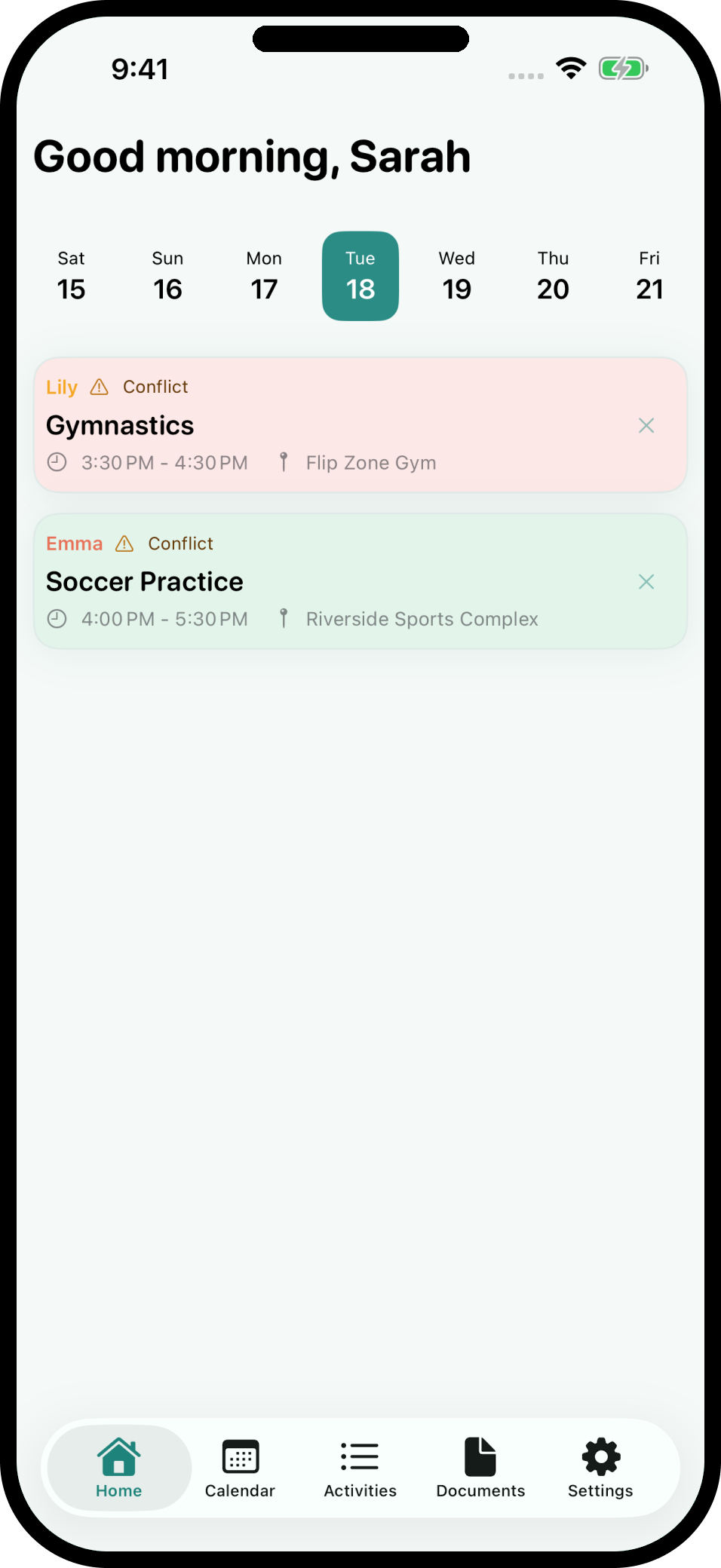
No accounts. No third-party servers. Your data stays on your device and syncs through your own cloud: iCloud on Apple devices, Google Drive on Android.
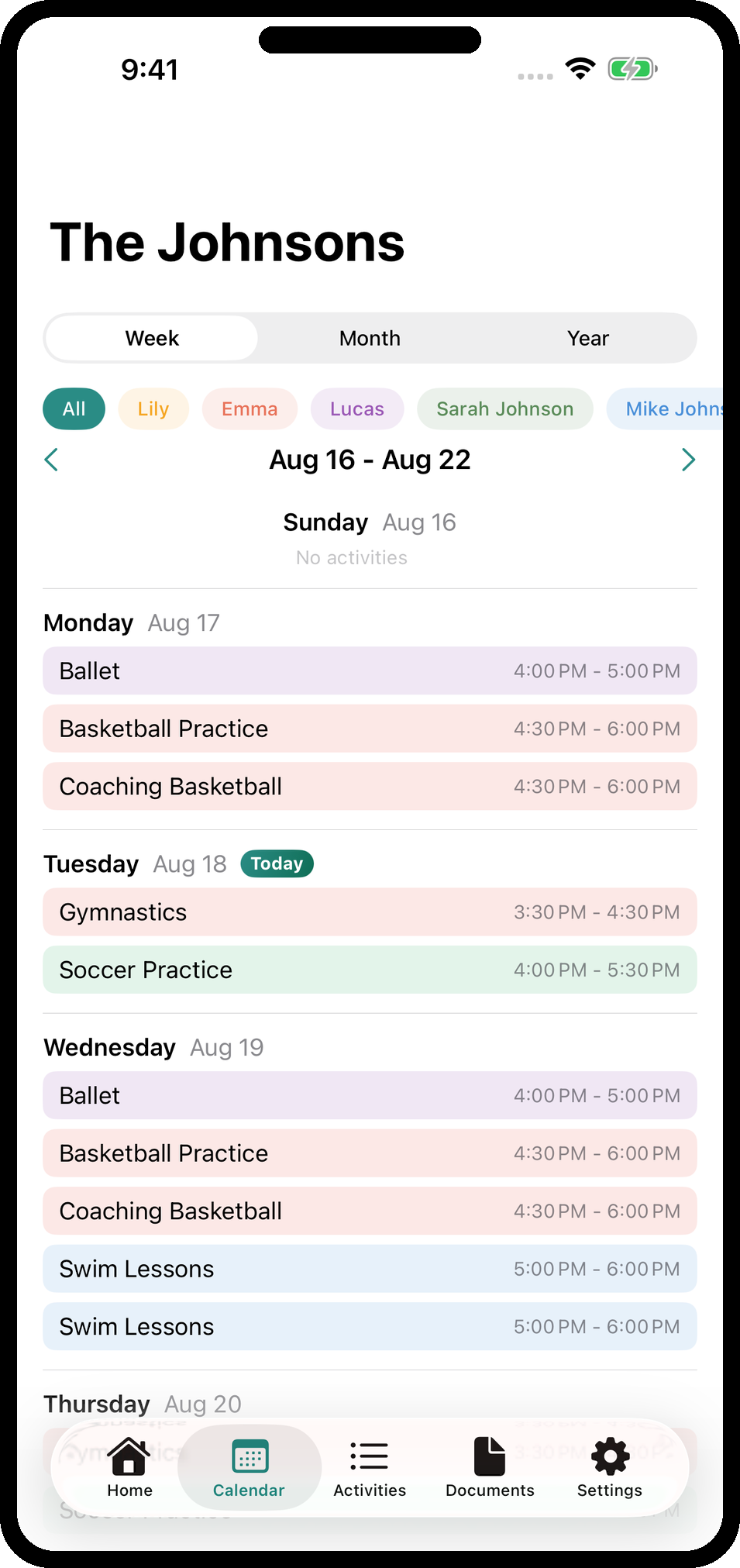
What Cadence does
Built from conversations with real parents. Here are the features they asked for most.
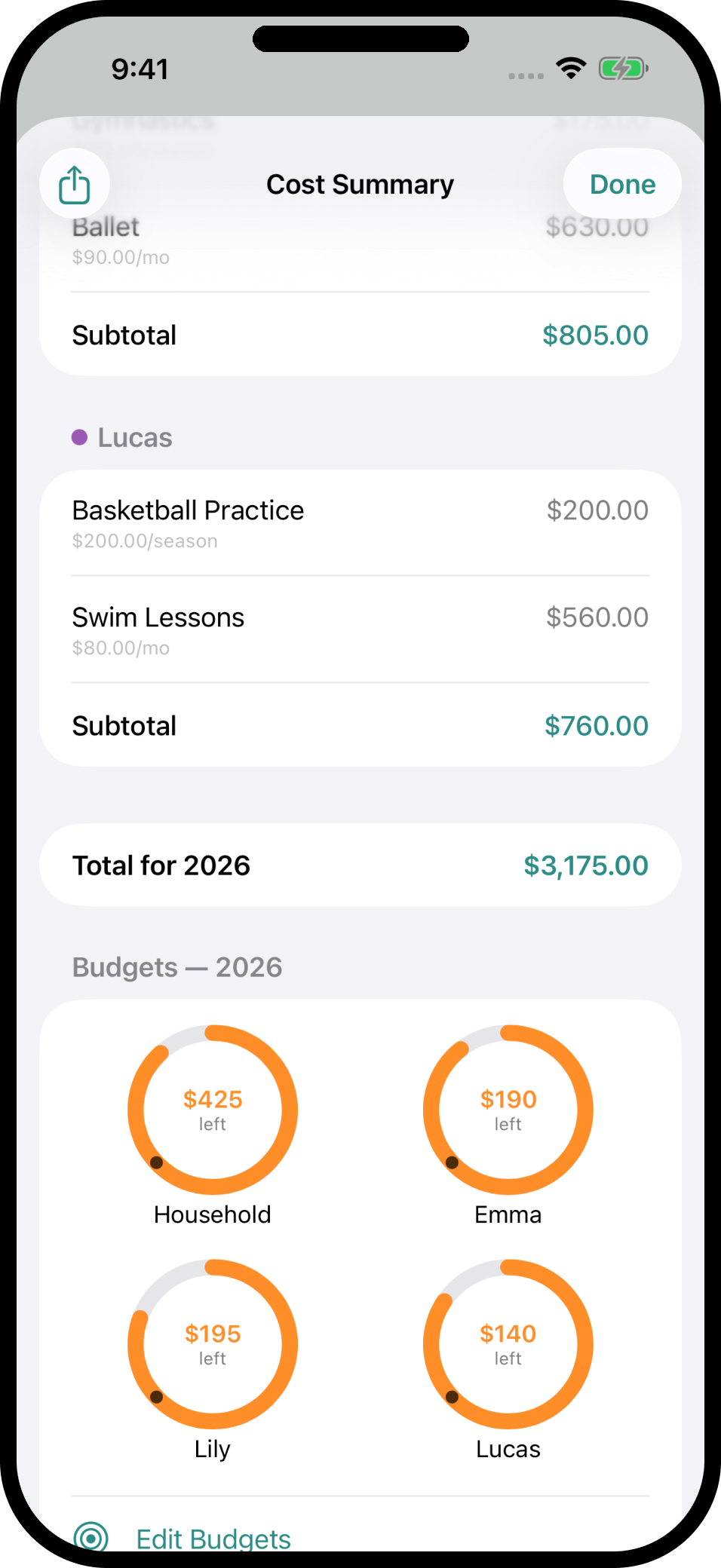
Know what you spend, set a limit
See cost per person, per activity, and per year. Set a household budget plus a budget per child and adult, and the meter turns amber at 80% and red when you hit it.
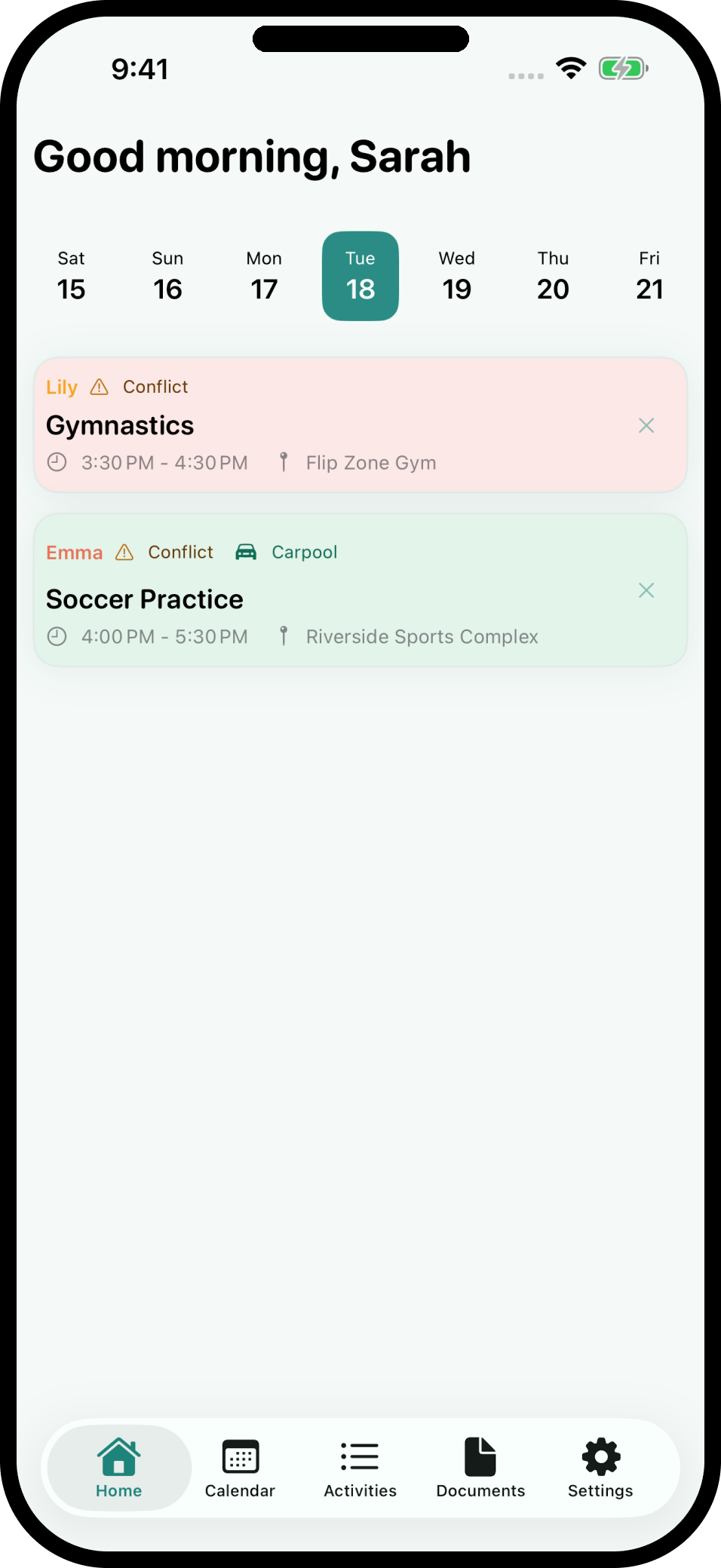
Conflicts and carpools, flagged
Every activity, every person, one screen. A red Overlap flag when one child has two things at once, an orange Conflict flag when two people clash, and a mint Carpool flag when two activities land at the same place (name the driver on iPhone).
The weekly pre-read
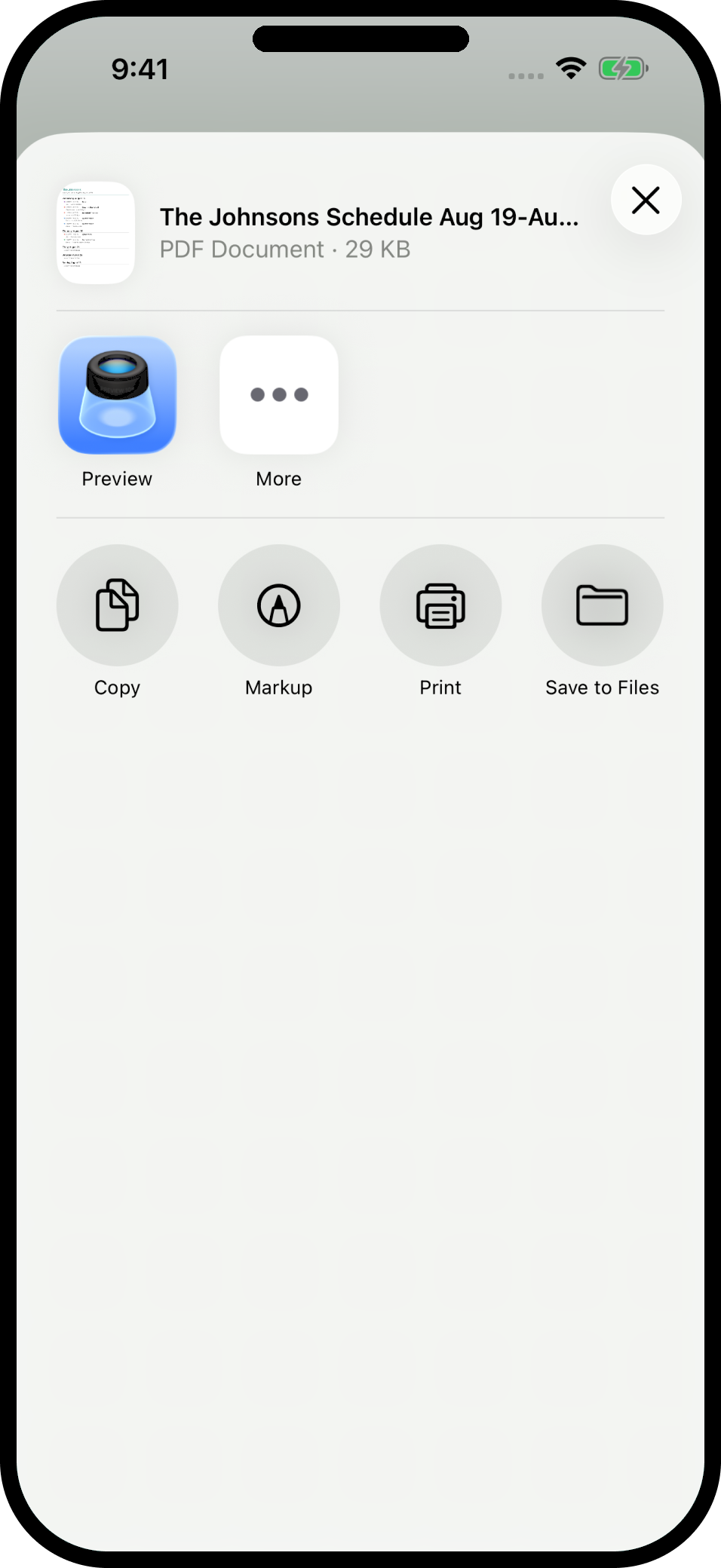
A shareable PDF of the week ahead. Share it with your partner, sitter, or grandparents. On iPhone, schedule it for the day and time you pick.
Lives in your calendar
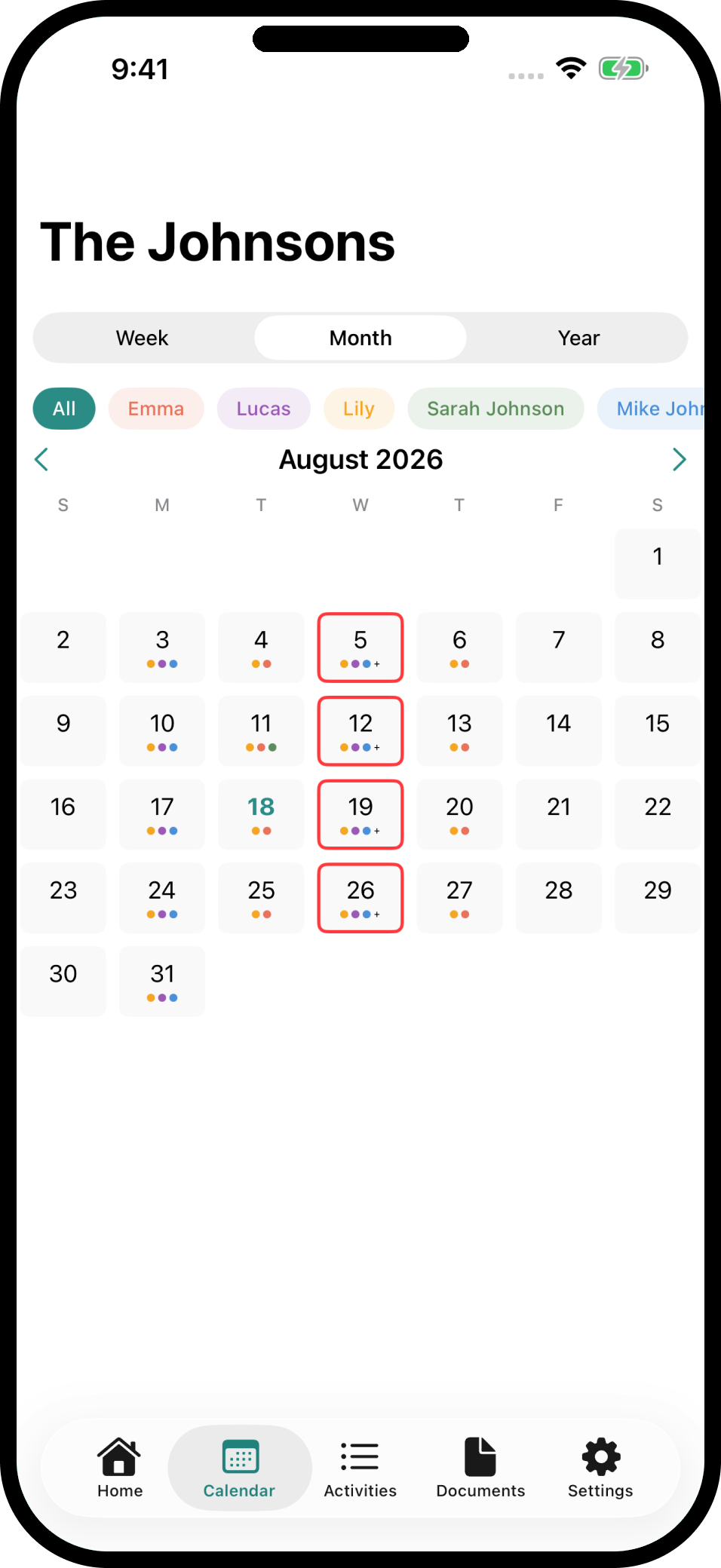
The whole family's schedule shows up in the calendar you already check. Every phone writes its own calendar, so two parents never see the same event twice.
Never miss a signup
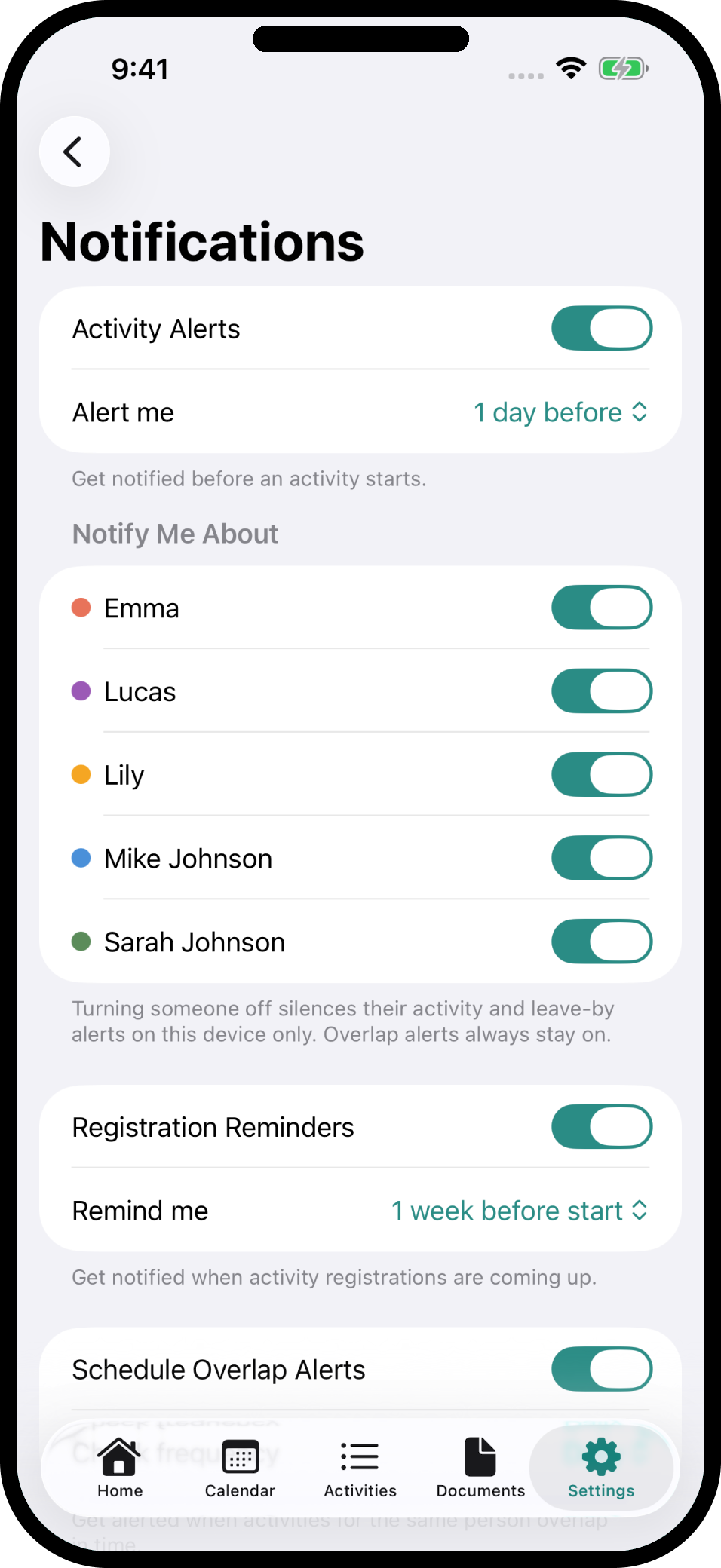
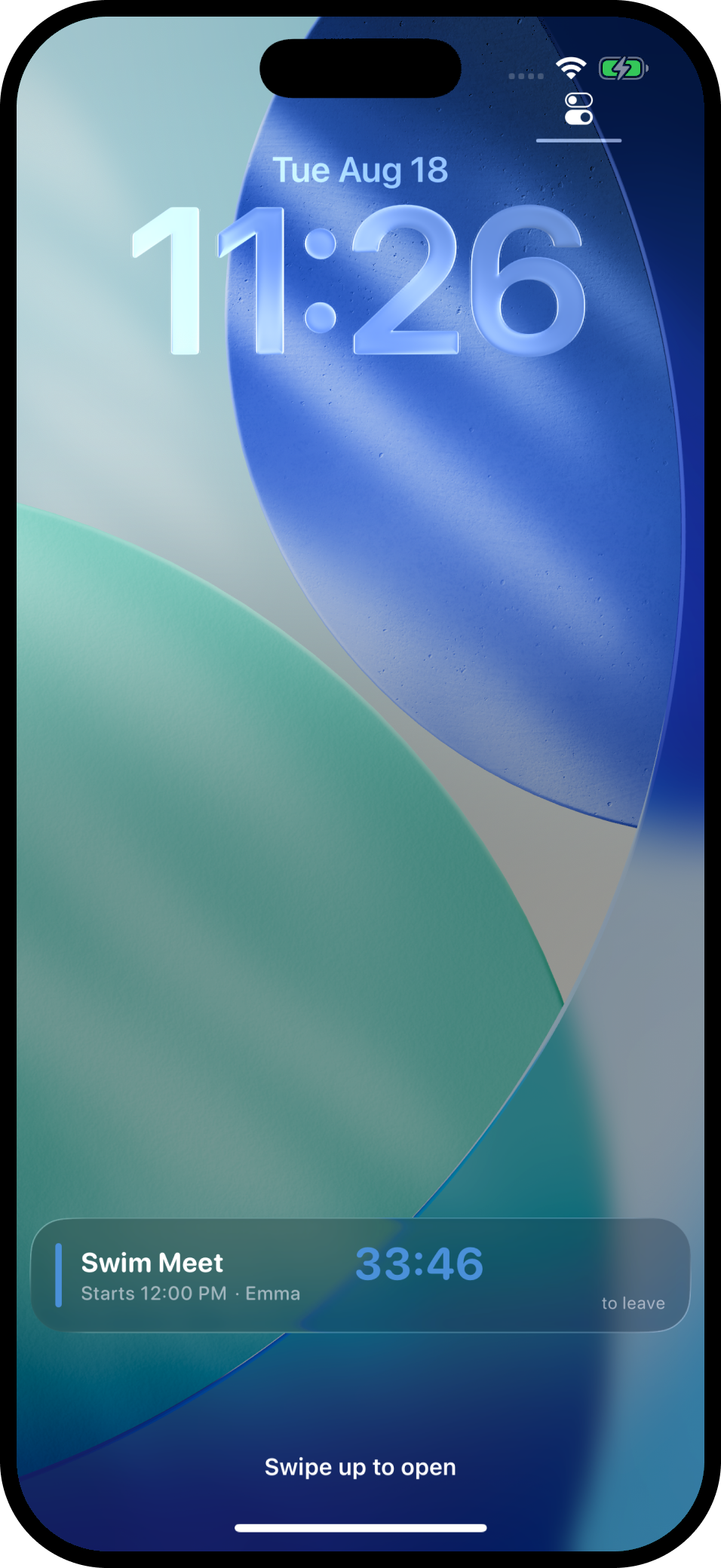
Registration reminders escalate at 1 week, 3 days, 1 day, and day-of. Set a travel buffer and get a "Leave by 3:40 for Soccer" alert.
Today's schedule on your wrist
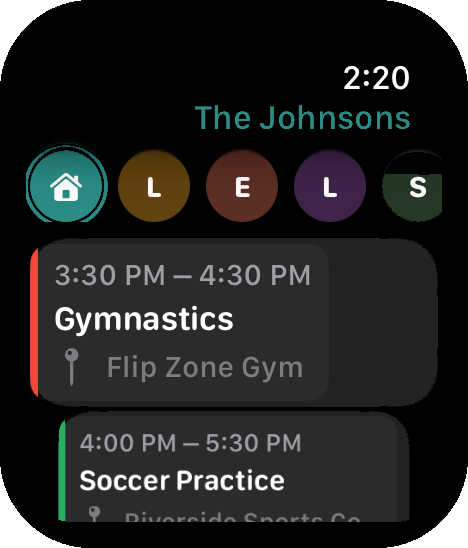
Check what's next without your phone. Filter by family member and swipe to skip. The Apple Watch companion is iOS-only.
On the devices your family already uses
Apple Watch, iPad Activity Board, and Lock Screen widgets are Apple features. On Android, sync and backup run through your family's own Google Drive.
The activity hub, built for Android
Live on Google Play. Dashboard, calendar, activities, costs and budgets, and documents, plus Today and Next Up widgets on your home screen and a leave-by countdown notification when it's time to go.
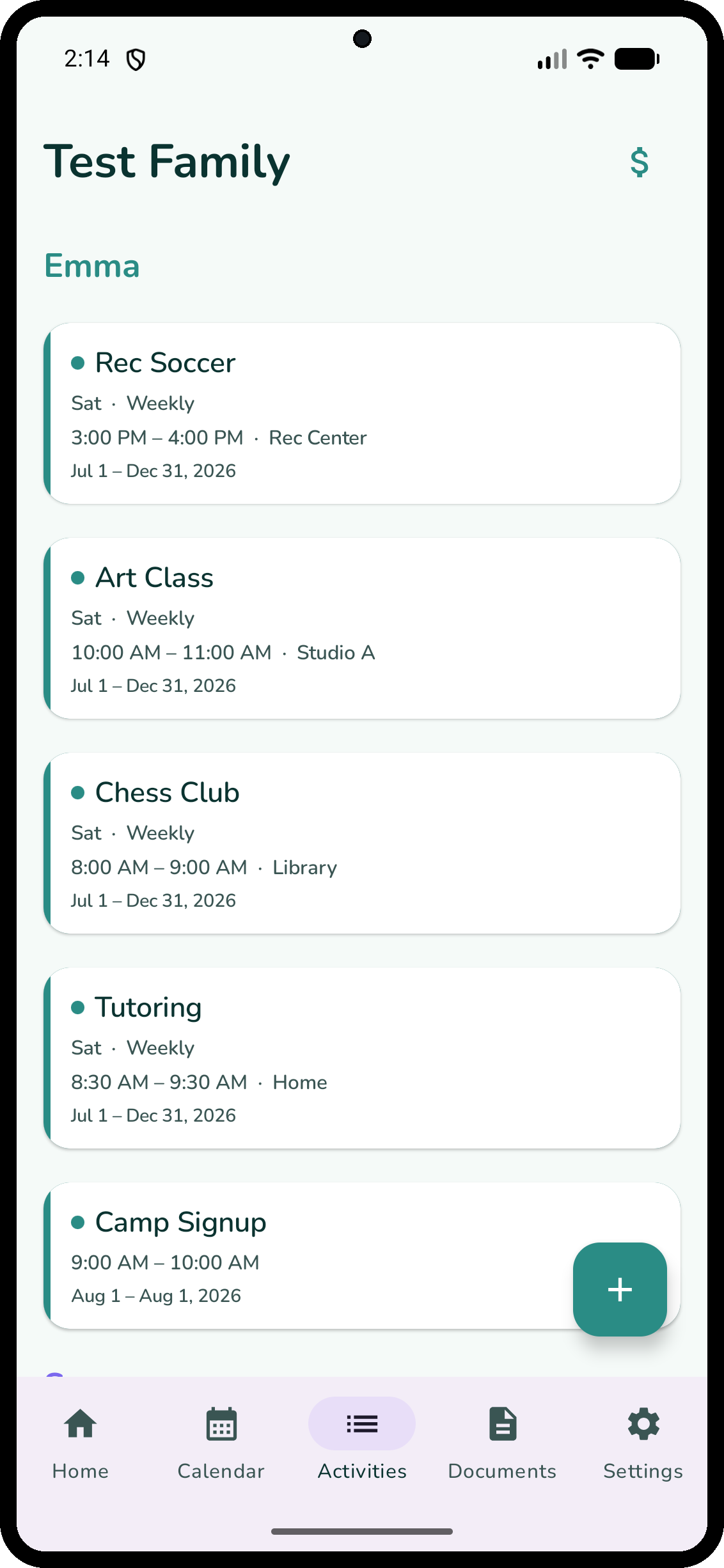
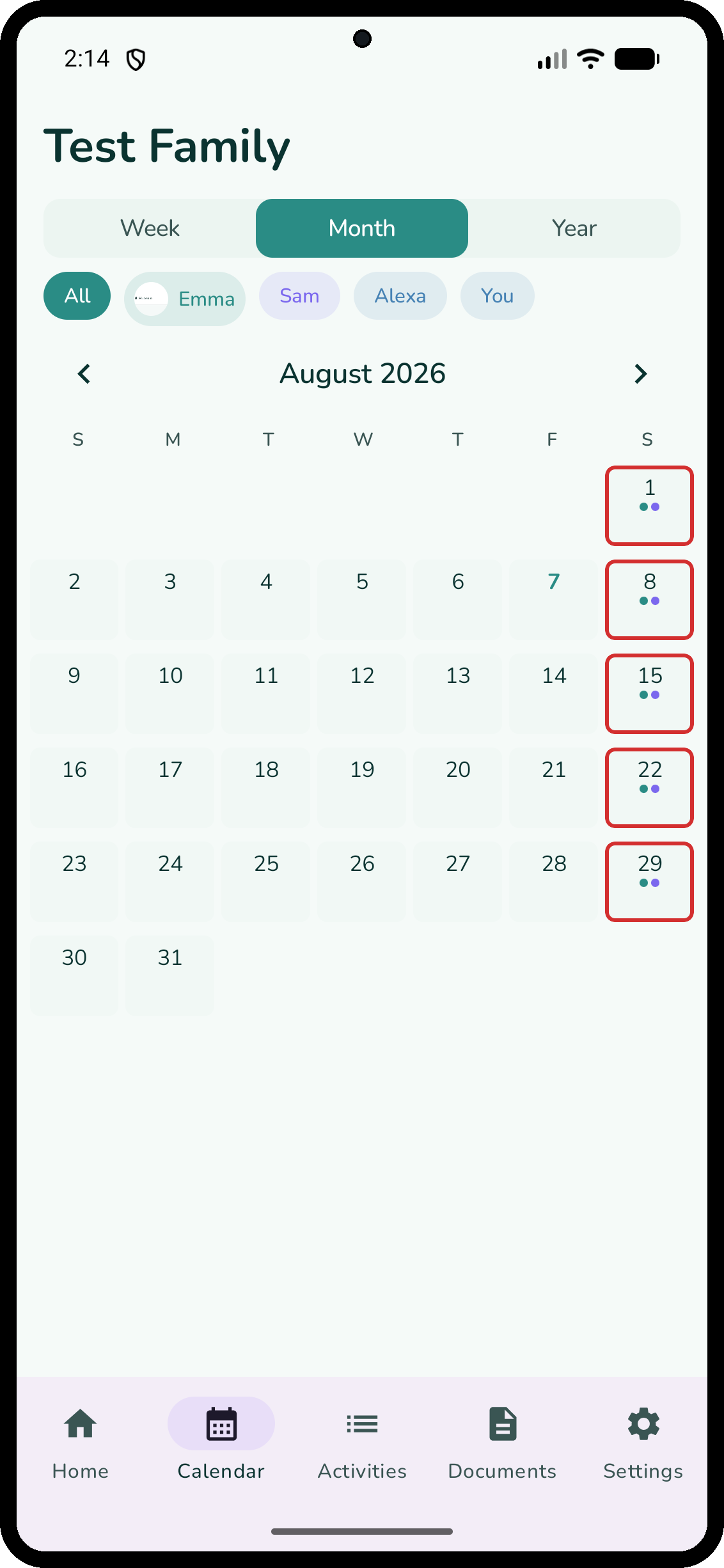
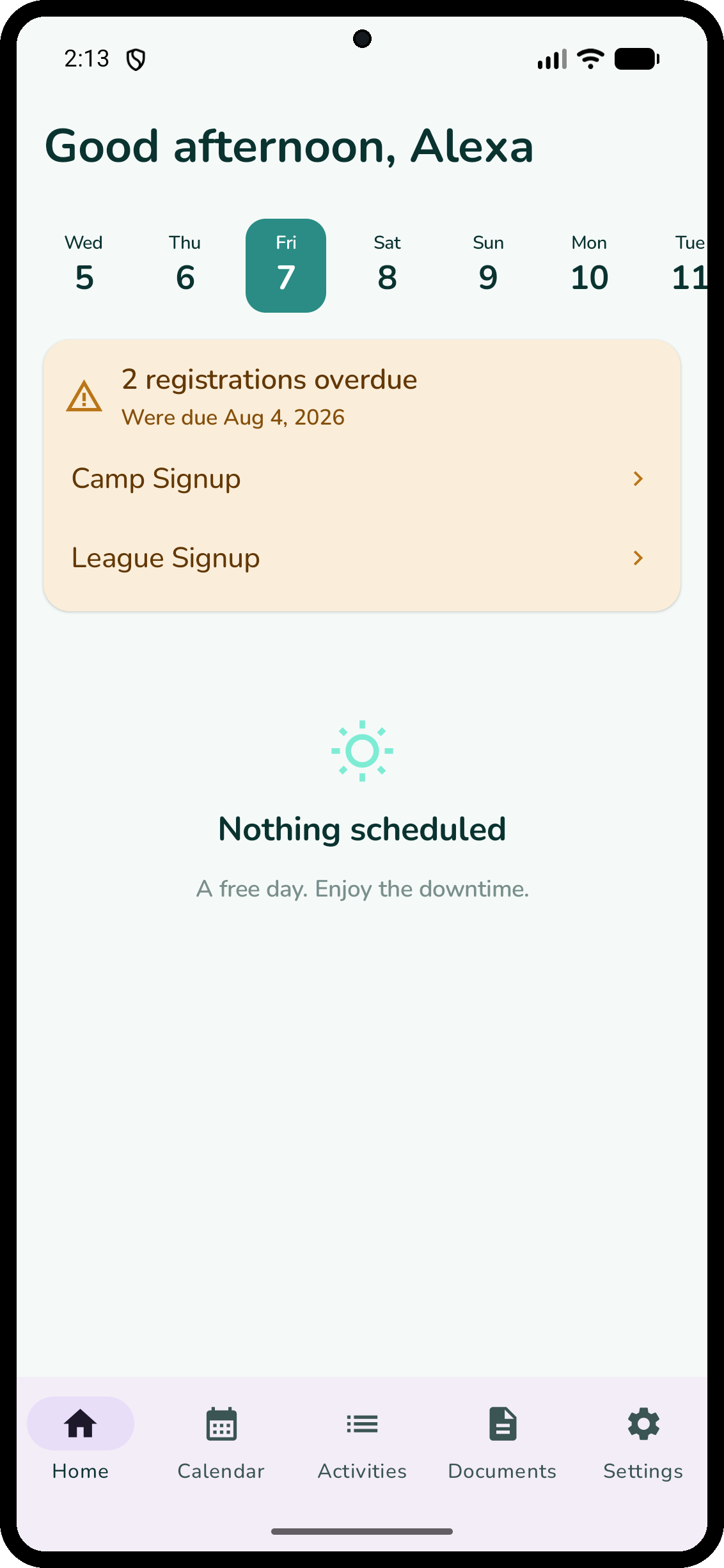
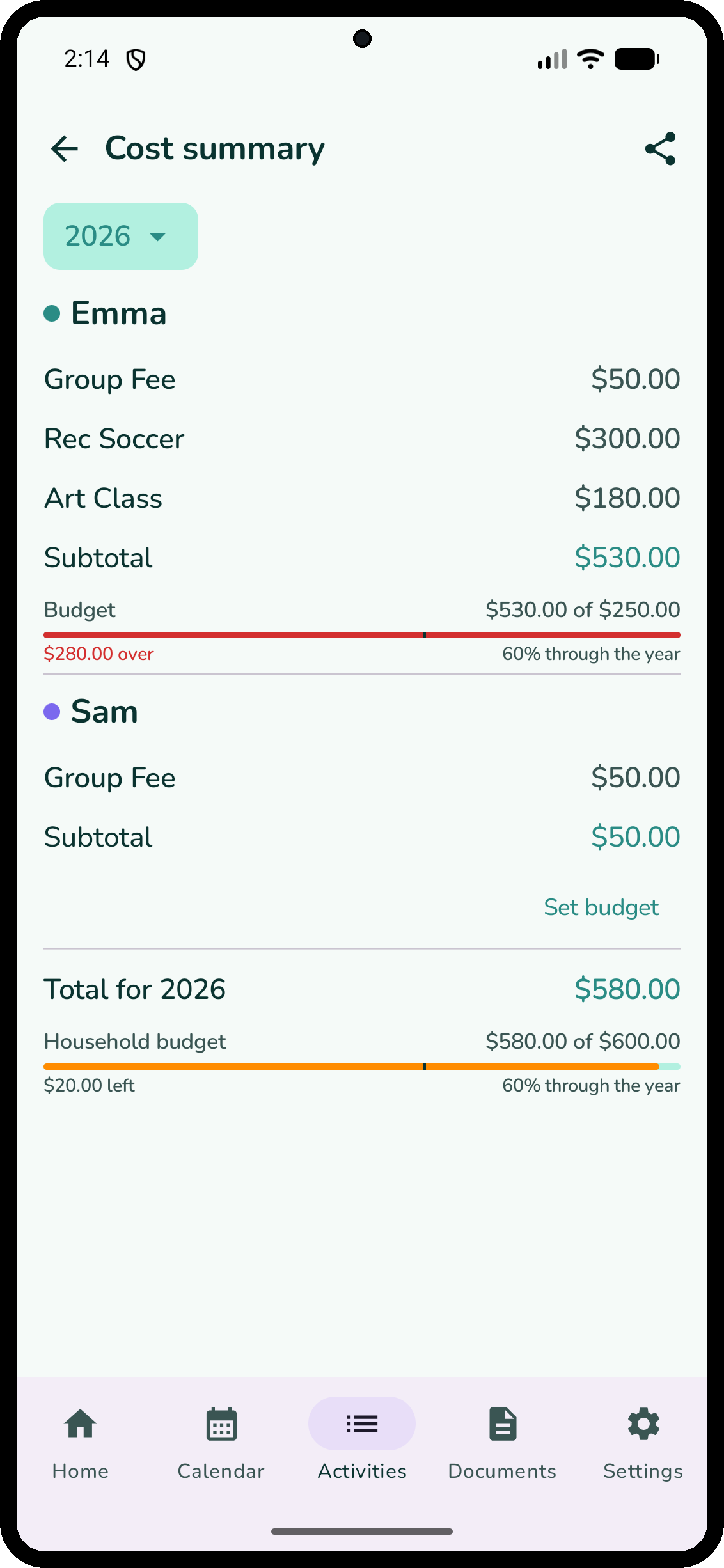
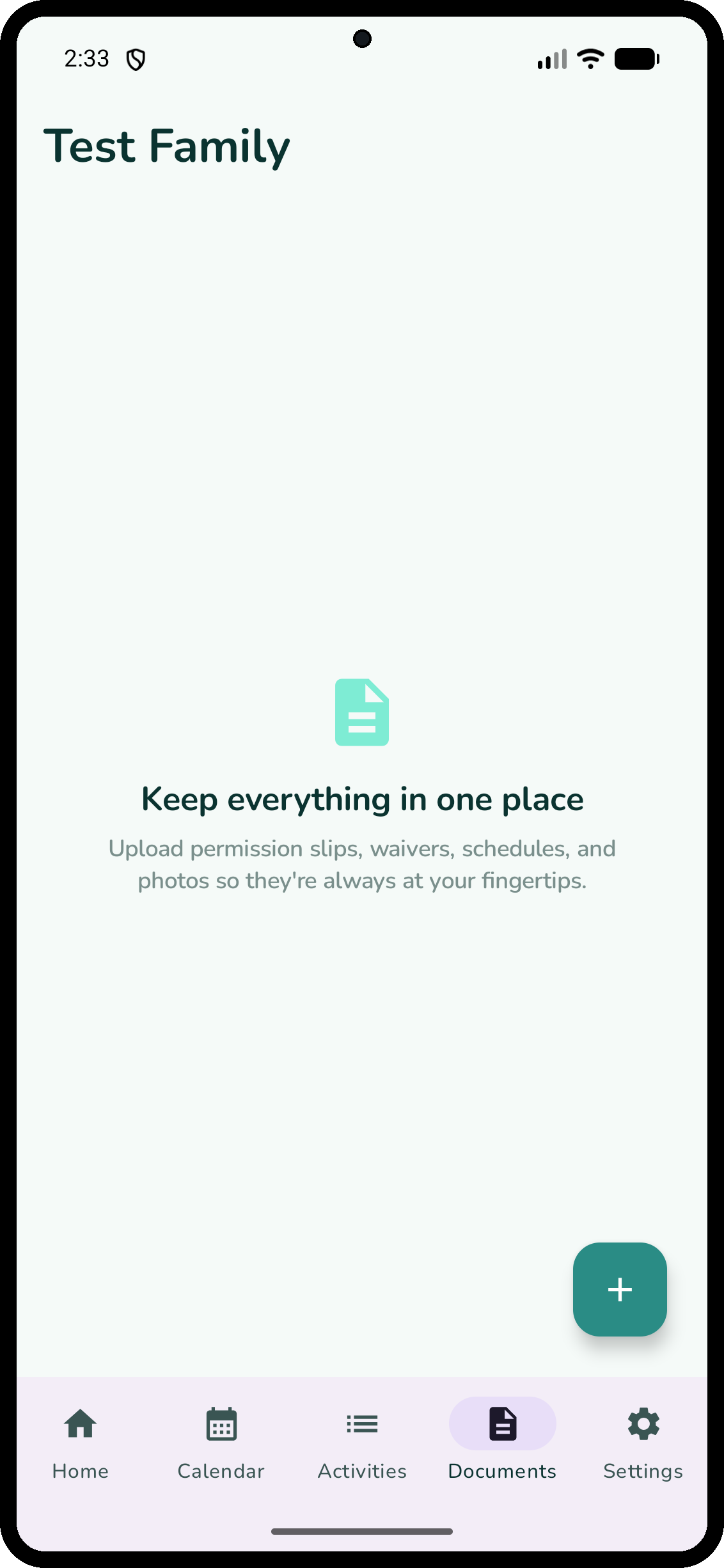
Sharing runs through your family's own Google Drive: you plus two invited adults, and everyone can edit (view-only is an iPhone feature). Each phone has its own subscription. Budgets are per household and per child, by year, and you can split a cost across your kids. The weekly summary comes as a weekly reminder, and a PDF you can share any time. Carpool days show a badge. Calendar sync writes to the calendar on your phone, not a Google account calendar.
More than a shared calendar
A calendar shows time slots. Cadence shows the whole activity.
Built from real conversations with real parents.
Three steps to a calmer week
Add your household
Name each person and pick a color. No personal data leaves your phone, because we never see it.
Build your season
Activities, schedules, costs, and registration deadlines. Cadence flags conflicts as you add them.
Share and go
Invite the other parent, or send the weekly PDF to a sitter or grandparents. Everyone sees the same week.
Simple pricing
Try free for 14 days. Cancel anytime.
- Unlimited activities
- All family members
- Household sharing
- Budgets and cost tracking
- Weekly summary PDF
- Siri and Apple Watch (iOS)
- Unlimited activities
- All family members
- Household sharing
- Budgets and cost tracking
- Weekly summary PDF
- Siri and Apple Watch (iOS)
On iPhone, one subscription covers your household. Up to four people can edit, and view-only members are always free. On Android, each phone has its own trial and subscription. Either way, an invited co-parent can pair before they subscribe.
On Android? Start your 14-day free trial on Google Play, billed through Google Play.
Questions
Your week, organized.
Download Cadence and try it free for 14 days. One app instead of five.